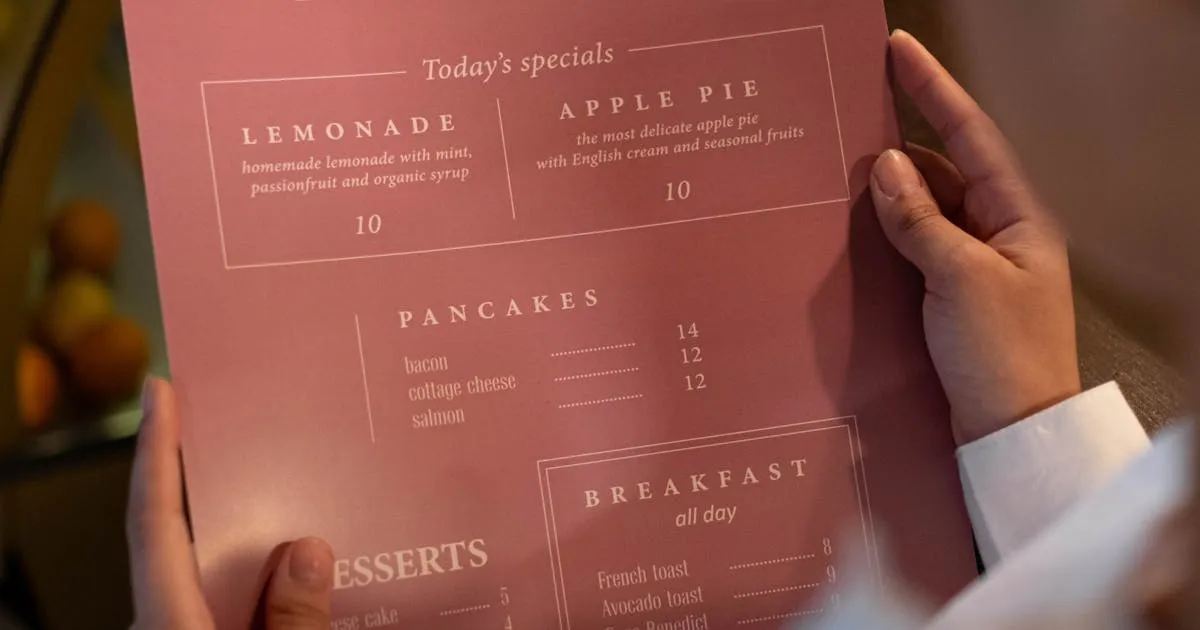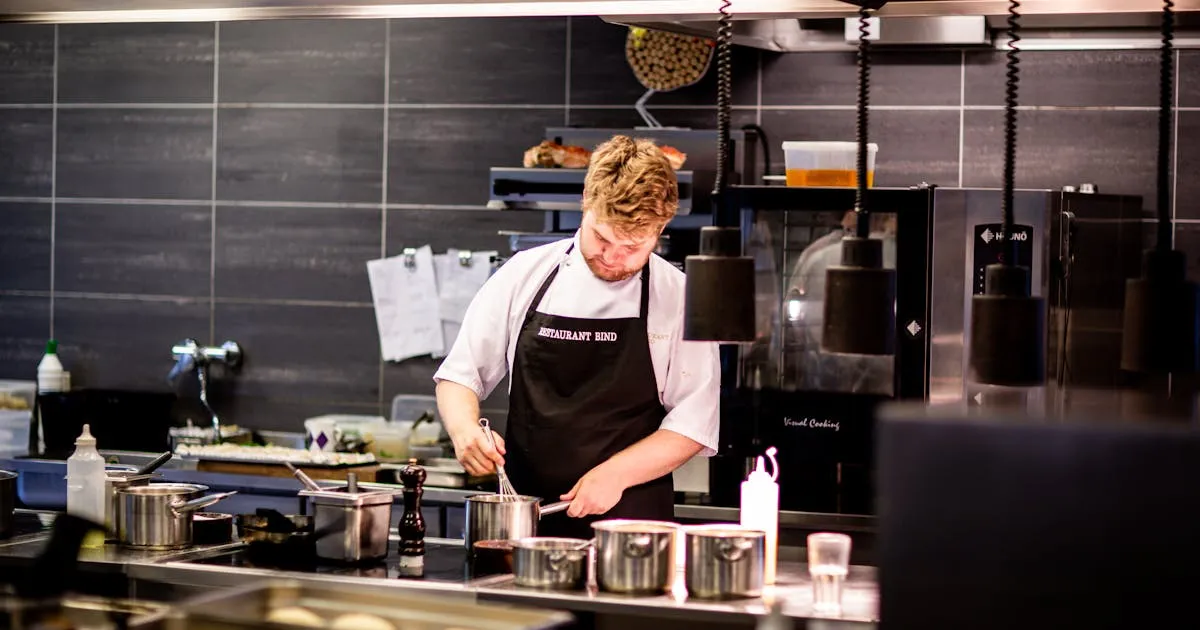
Your supplier just raised the price of salmon by 15%. A staff member calls in sick and you need to 86 three dishes from tonight's menu. Tomorrow is the first day of spring and you want to launch your new seasonal cocktails. Your menu needs to change right now.
With a printed menu, each of these situations means the same thing: wait for a reprint, or serve outdated information. Most restaurants reprint menus 3–4 times per year, but the need for changes comes up 3–4 times per week.
Digital menus close this gap completely. 52% of US restaurants have already made the switch — and the #1 reason isn't cost savings or QR codes. It's the ability to update the menu instantly, from any device, at any time.
This guide covers the 8 most common menu changes restaurants face and exactly how digital menus handle each one — from your phone, in 30 seconds or less.
1. Price Changes
Ingredient costs fluctuate constantly. When your food cost percentage creeps above target, you need to adjust prices — not in 2 weeks when the next print run is ready, but today. On a digital menu, you edit the price, tap save, and the next customer who scans sees the new number. No awkward handwritten corrections on paper menus.
2. 86'd Items (Sold Out)
Running out of a dish mid-service is normal. On a paper menu, the server has to tell every table "we're out of the risotto." On a digital menu, you mark the item as sold out in one tap — it either disappears or shows as unavailable. No more disappointed customers ordering something you can't serve.
3. Seasonal Rotations
Most restaurants rotate 20–30% of their menu seasonally, according to GoFoodService's industry analysis. Fall menus, holiday specials, summer cocktails — each transition means removing old items and adding new ones. On a digital platform, you prepare the seasonal items in advance and switch them live on launch day.
4. Daily Specials
A "daily special" requires daily updates. On paper, this means chalkboards, inserts, or verbal recitation by servers. On a digital menu, you add today's special to a dedicated "Today' section at the top — with a photo — and customers see it the moment they scan.
5. New Menu Items
Launching a new dish? On paper, you wait for the next print run or use an ugly printed insert. On a digital menu, you add the item with a photo, description, and a "NEW" badge, and it's live immediately. Items with photos get up to 44% more sales (DoorDash) — a new item with a great photo gets a strong launch from day one.
6. Dietary and Allergen Updates
Changed a recipe? Switched suppliers? The allergen information on your menu needs to be accurate at all times — this is a health and legal issue. Paper menus can't reflect recipe changes until the next reprint. Digital menus update instantly.
7. Happy Hour and Time-Based Changes
If you have different pricing for happy hour, brunch, or late night, you either need separate printed menus or a confusing all-in-one menu. Digital menus can switch automatically — show the lunch menu from 11 AM to 3 PM, the dinner menu from 5 PM, and the late-night menu from 10 PM.
8. Error Corrections
Typo in a description? Wrong price on an item? On paper, you live with it until the next print run. On a digital menu, you fix it in 10 seconds and no customer ever sees the mistake.
Delayed menu updates don't just cause inconvenience — they cost real money:
Outdated Prices Hurt Margins
If your salmon supplier raises prices by $2/portion and you can't update your menu price for 3 weeks, you absorb that cost on every salmon dish sold. For a restaurant selling 20 salmon dishes per day, that's $840 in lost margin before the reprint arrives.
86'd Items Disappoint Customers
When a customer reads a dish on the menu, decides they want it, and then learns it's unavailable — that's a negative experience that affects tips, reviews, and return visits. It's preventable: mark items as sold out the moment they run out.
Missed Seasonal Revenue
According to Restroworks' analysis, 52% of consumers say limited-time offers influence their restaurant choice. Every day your seasonal specials aren't on the menu is a day you're not capturing that demand. If your pumpkin spice latte is ready on October 1 but your menu doesn't update until October 15, that's two weeks of lost seasonal sales.
Reprint Costs Add Up
Every unplanned menu change triggers either a reprint ($200–$800) or a visible workaround (crossed-out prices, printed inserts, chalkboard corrections). Over a year, these add up to $2,400–$5,000+ in direct and hidden costs.
The technology behind instant menu updates is simpler than most people think:
- Your menu lives on a web page — not a printed document, not a PDF file. It's a live web page hosted on the internet, just like any website
- Your QR code is a link to that page — when customers scan, they open the page in their browser. The QR code never changes
- You edit the menu through a dashboard — log in from your phone or computer, change a price, add an item, upload a photo, or mark something as sold out
- Changes appear instantly — the next customer who scans (or refreshes the page) sees the updated menu. No waiting, no reprinting, no server cache delays
This is the fundamental advantage of digital menus over printed ones — the content and the display are decoupled. The QR code (display) stays the same forever. The menu content (what customers see) can change as often as you need.
For a deeper explanation of how this works technically, read our complete guide to digital menus. For the comparison between static and dynamic QR codes, see our dynamic vs static QR code guide.
How to Make Your First Instant Menu Update
Log in to your menu platform
Open your digital menu dashboard on your phone or computer. If you don't have a digital menu yet, create a free one on Menujo — your first menu can be live in under 5 minutes with a QR code ready to print.
Find the item you want to change
Navigate to the menu item by category. Most platforms have a search function — type the item name to find it instantly. On Menujo, tap the item in your menu editor to open its details.
Make your change
Update the price, edit the description, mark as sold out, add or swap a photo, change dietary tags, or delete the item entirely. Each change is a simple field edit — no design skills or formatting needed.
Save and verify
Tap Save. The change is now live. Scan your own QR code to verify — open your phone camera, scan the table QR code, and confirm the update appears correctly. This verification takes 10 seconds and catches any mistakes.
Communicate to your team
Let servers know about significant changes (price updates, 86'd items, new specials) so they can answer customer questions. A quick message in your team group chat is usually enough. The menu itself is already correct — staff just need to be aware.
If your restaurant still relies on printed menus for any of these situations — price changes, sold-out items, seasonal rotations, daily specials, or error corrections — you're spending money and time on a problem that digital menus solved years ago.
The math is straightforward:
| Scenario | Printed Menu | Digital Menu |
|---|---|---|
| Update a price | 2–3 weeks + $200+ reprint | 30 seconds, free |
| 86 an item | Verbal notice to every table | 1 tap, instant |
| Launch seasonal menu | New print run, 1–2 weeks | Prepare in advance, go live in 1 click |
| Add daily special | Chalkboard or verbal | Add item + photo, 2 minutes |
| Fix a typo | Live with it until reprint | 10 seconds, done |
Ready to stop waiting for reprints? Create your free digital menu on Menujo and make your first instant update today.
For the full cost breakdown of paper vs. digital, read how much menu printing really costs. For tips on designing your menu for maximum orders, see our digital menu design guide.
Frequently Asked Questions
Can I update my digital menu from my phone?
Yes. Most digital menu platforms have mobile-friendly dashboards that work in your phone's browser. You can change prices, add items, upload photos, and mark dishes as sold out from anywhere — in the kitchen, at home, or even on vacation. Changes go live instantly.
Do I need to reprint QR codes when I update the menu?
No. The QR code links to a web URL that stays the same. When you update the menu content (prices, items, photos), the changes appear at the same URL. You print QR codes once and they work forever, no matter how many times the menu changes.
How fast do menu changes appear to customers?
Instantly. When you save a change, the next customer who scans the QR code (or refreshes the page) sees the updated menu. There is no delay, no approval process, and no cache waiting period on most platforms.
Can I schedule menu changes in advance?
Some platforms support scheduling — for example, automatically switching from a breakfast menu to a lunch menu at 11 AM. Even without scheduling, you can prepare changes in advance (add items as hidden) and make them visible with one click at the right time.
How do I handle 86'd (sold out) items?
Mark the item as sold out in your dashboard. The item either disappears from the menu or shows as unavailable with a "Sold Out" label. When the item is back in stock, remove the sold-out status — the item reappears instantly. This prevents customers from ordering dishes you can't serve.
How often can I update my digital menu?
As often as you want — there's no limit. You can update prices daily, add specials every morning, mark items as sold out during service, and swap seasonal items monthly. Each update is instant and free. Some restaurants update multiple times per day during busy service.
What happens if I make a mistake during an update?
Fix it immediately — edit the item again and save. Since changes are instant, a mistake can be corrected in under 30 seconds. Unlike printed menus where a typo lives on for months, digital menu errors are temporary and easily fixed.
Can multiple people update the menu?
Most platforms support multiple staff accounts. You can give your manager, head chef, or marketing person their own login so they can make updates without going through one person. Permission levels control who can change what.
Do I still need a printed menu if I have a digital one?
Keep 5–10 printed menus as backup for customers who prefer them. But your digital menu should be the primary — it's always accurate, always current, and doesn't require reprinting. The printed backups can be simpler since they're just a fallback.
How much does a digital menu platform cost?
Free to $7/month for most independent restaurants. Menujo's free plan includes 1 menu with unlimited items, a QR code, and instant updates. Pro ($7/month) adds analytics, multi-language, and custom branding. Compare that to $2,400–$5,000/year for printed menus that take weeks to update.